How to Make an AI Baby Dance Video from Any Photo
Start with a baby photo, improve it if needed, choose a dance template, and generate a short dancing baby video. This guide focuses on the complete workflow, not just the final generate button.
Start with a baby photo, improve it if needed, choose a dance template, and generate a short dancing baby video. This guide focuses on the complete workflow, not just the final generate button.
Start with a baby photo, improve it if needed, choose a dance template, and generate a short dancing baby video. This guide focuses on the complete workflow, not just the final generate button.
See the Workflow
Try the Generator
If the baby is visible, centered, and well-lit, upload the photo directly and choose a template.
If arms, legs, face detail, or background clarity are weak, improve the image first with the built-in prep flow or Dance Image Editor.
Preview baby dance templates first, then generate with a motion that matches the photo framing.
Not every baby photo starts as a perfect dance input. Use the path that matches your image before spending credits.
Choose a photo with one visible baby, clear face detail, and enough body context for motion.
Use image prep or Dance Image Editor when the photo is cropped, blurry, side-facing, seated, or visually cluttered.
Create the clip, preview the result, and change only one variable at a time if you need to regenerate.
Use this workflow to turn a normal baby photo into a stronger dancing video result.
The fastest path depends on whether you need a template, photo repair, or a non-baby dance workflow.
Browse Baby Dance Templates
Fix Photo First
General AI Dance
Read Photo-to-Video Guide
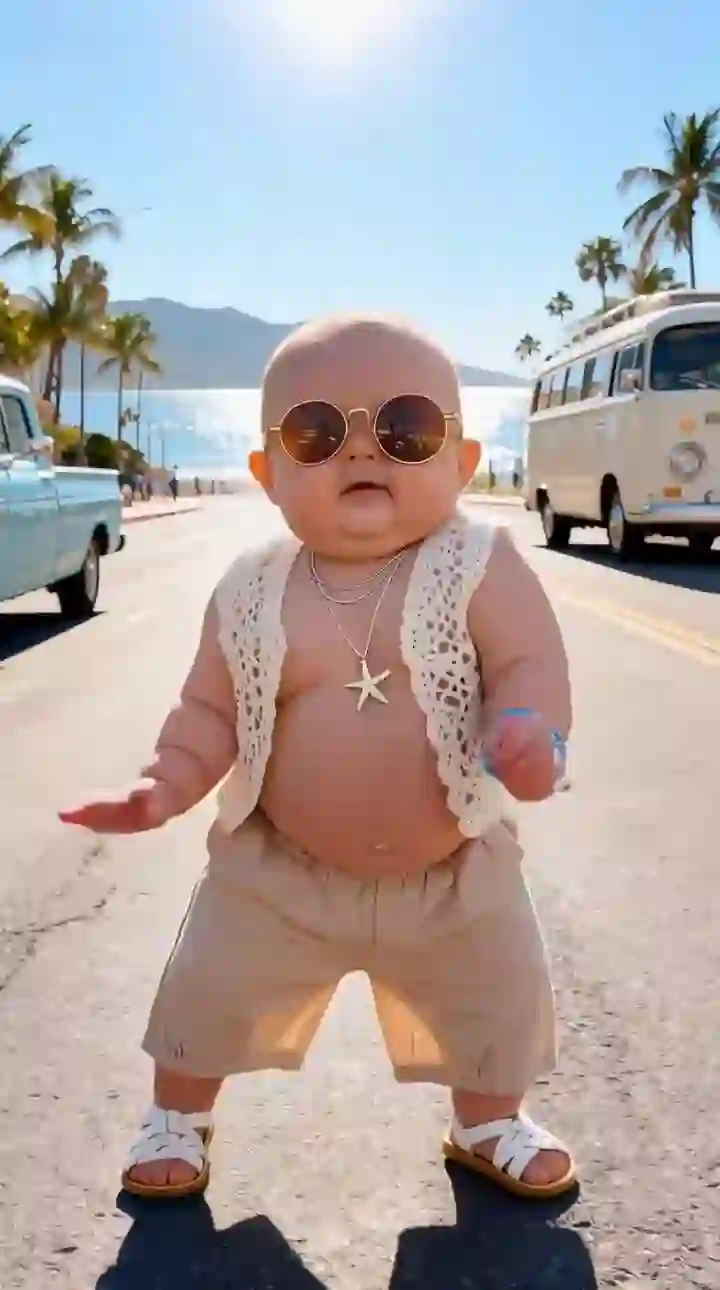
Credits are consumed when generation starts. Failed generations are refunded.
Upload a photo, improve it if needed, choose a baby dance template, and generate from the same page.
1. Upload a standing, front-facing, full-body baby photo
Baby Photo
Upload baby photo
JPG, PNG, WebP (max 10MB)
Or try an example
2. Select or upload a dance template
View All
Upload
0:09
0:13
0:10
0:14
0:15
0:11
0:12
0:17
0:07
0:16
0:21
0:08
0:19
Dance Template
Preview Mode
Previewing: Starter Groove
The workflow includes image prep so users are not limited to perfectly framed baby photos.
Cropped, blurry, or cluttered images can be improved before they become dance videos.
Choosing a visible motion template is more predictable than trying to describe a dance with text.
If the image is not ready, fix it first. If the motion is unclear, browse templates first.
The workflow is designed for shareable clips for TikTok, Reels, Shorts, and family sharing.
A cleaner input and safer template choice can reduce failed-looking outputs and unnecessary regenerations.
Better baby dance videos usually come from better inputs and better template choices.
01
02
03
04
05
06
Practical answers before you upload and generate.
Can I make an AI baby dance video from any photo?
What if my baby photo is cropped?
Should I choose a template before uploading?
Do I need editing skills?
Why does the first result sometimes look unstable?
Use the full workflow: prepare the photo, choose the template, and generate a short dancing baby video.
Browse Templates