AI Baby Dance Templates
Pick a baby dance motion before you generate. Templates make the workflow more predictable than prompts because you can start from a real movement pattern and match it to your photo.
Pick a baby dance motion before you generate. Templates make the workflow more predictable than prompts because you can start from a real movement pattern and match it to your photo.
Pick a baby dance motion before you generate. Templates make the workflow more predictable than prompts because you can start from a real movement pattern and match it to your photo.
Browse Templates
Start Creating
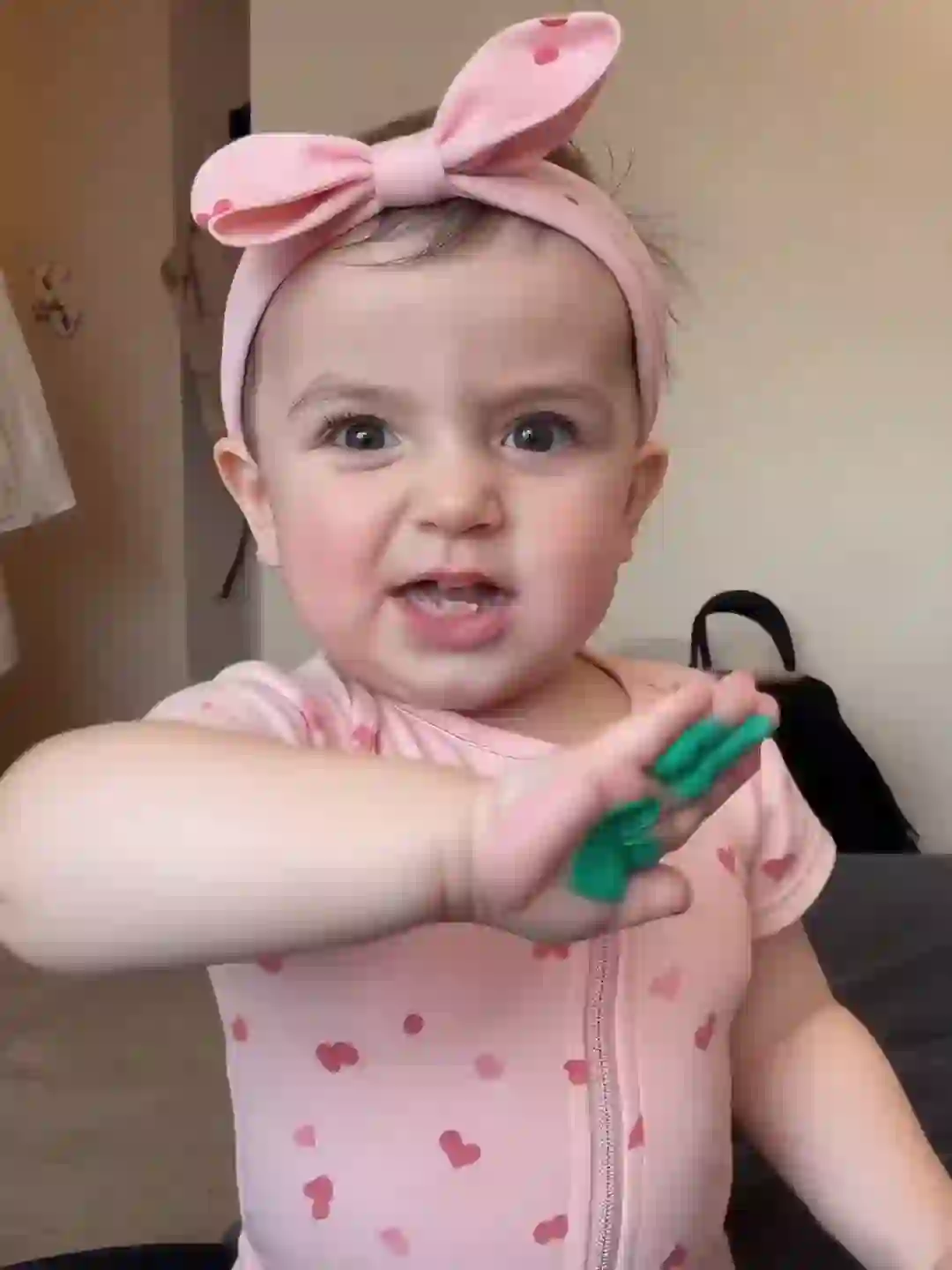
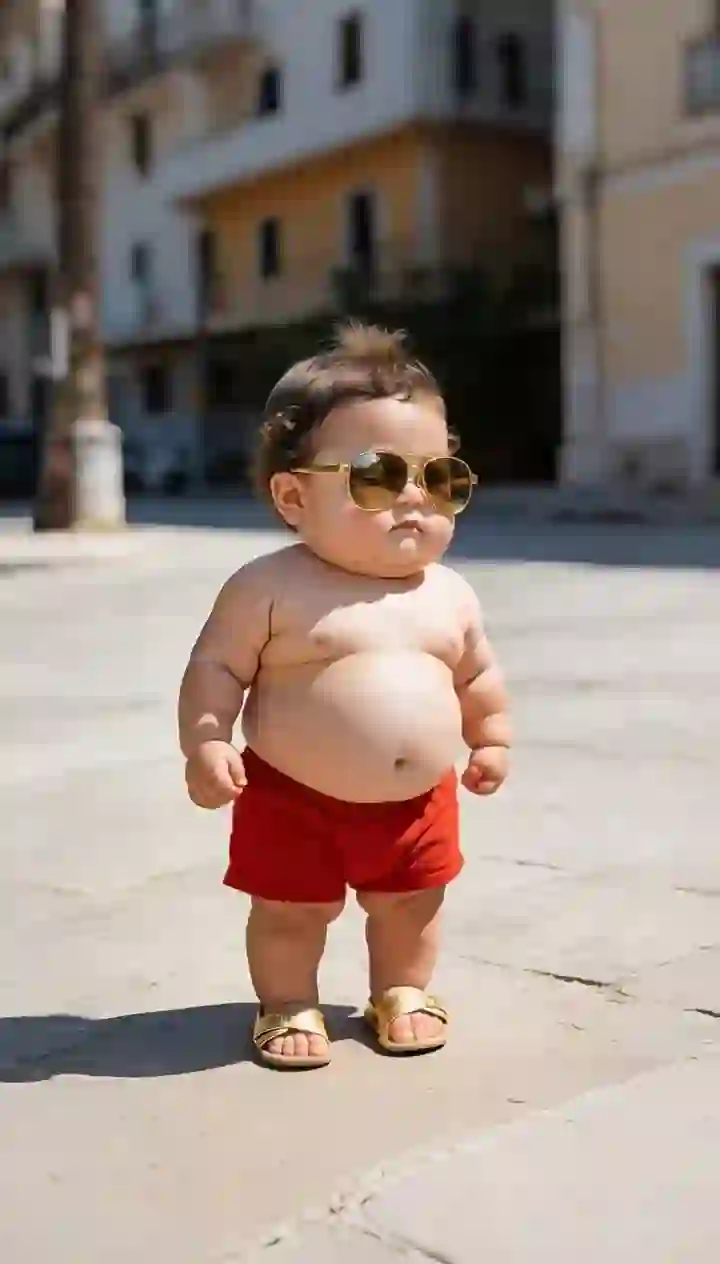
Preview cute, funny, short, and high-energy motion templates. Select one template, then upload your baby photo in the generator below.
NEW
Cute Baby Dance
Try it
Baby Dance
Cute Dance
Dancing Baby
HOT
Cute Wiggle
Starter Groove
Playful Moves
Joyful Bounce
Load more
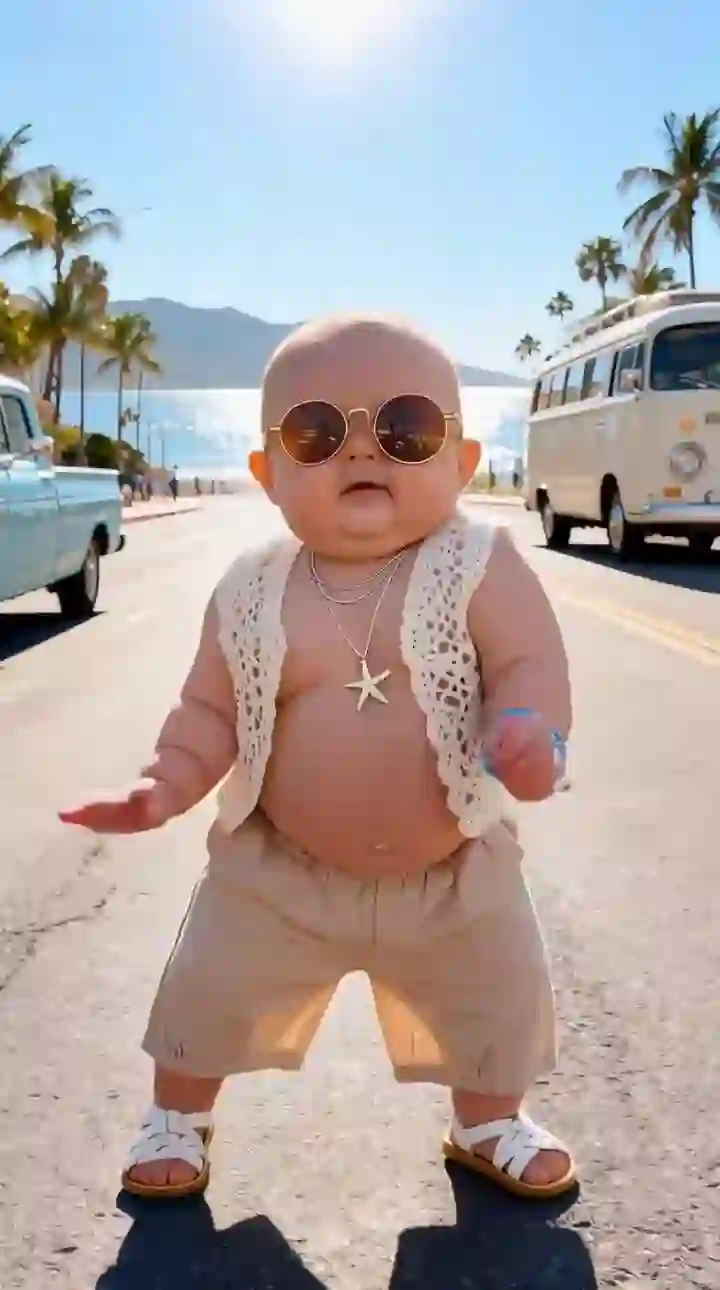
Credits are consumed when generation starts. Failed generations are refunded.
Upload a baby photo, keep or improve the image, and generate a dancing baby video from the selected motion template.
1. Upload a standing, front-facing, full-body baby photo
Baby Photo
Upload baby photo
JPG, PNG, WebP (max 10MB)
Or try an example
2. Select or upload a dance template
View All
Upload
0:09
0:13
0:10
0:14
0:15
0:11
0:12
0:17
0:07
0:16
0:21
0:08
0:19
Dance Template
Preview Mode
Previewing: Starter Groove
Use a simple bounce or wiggle first when the face must stay stable or the photo is not full body.
Close-up photos usually work better with shorter, safer movements. Full-body photos can handle bigger dance motions.
Longer templates can work better for Reels or Shorts when you need a fuller visual story instead of a quick gag.
If the image is cropped, blurry, or messy, prepare it before generating so the motion model has a cleaner starting point.
The best template depends on photo framing, motion intensity, and where you want to share the clip.
Expand tight portraits or missing limbs into a stronger dance-ready frame.
Clean visual noise so the subject is easier to animate.
Improve clarity before motion starts so identity is easier to preserve.
Center the subject before choosing higher-energy templates.
A template is only half of the result. If the source image is cropped, side-facing, blurry, or missing body context, use the dance image editor first or use the built-in image prep flow inside the generator.
Fix Photo First
Use Selected Template
You can see the rhythm and movement style before you upload and generate.
Instead of describing a dance in text, choose a known motion pattern and let the model follow it.
Short, moderate, and high-energy templates give you practical choices for different source images.
Templates are sized for quick TikTok, Reels, and Shorts-style baby dance clips.
Use the built-in image prep workflow or Dance Image Editor when the original photo is not ready.
Once you choose a template, scroll to the generator and create from the same page.
Templates turn the baby dance workflow into a visible choice instead of a guessing game.
01
02
03
04
05
06
Quick answers about choosing and using baby dance templates.
What is an AI baby dance template?
Which template should I choose first?
Do I need to write a prompt?
Can I use a cropped baby photo?
Can I use these templates for TikTok, Reels, or Shorts?
Preview the motion, upload a photo, improve it if needed, and generate a dancing baby video from one workflow.
Read the How-to Guide